Documentation
Mortar - IT Startup & Digital Agency Template
Mortar is a Next JS Template for Real Estate and Construction Business purposes. This template is designed like this way so that any construction company or architecture and interior design agency can use very easily. Every necessary feature for a construction company is present here. This template has added new age features so that for a user it can be proved a effective and standard website. It has 6 demos with wonderfully designed 25+ inner pages and this template is powered by Nextjs with CSS and uses the Bootstrap5 framework. It is compatible with all browsers and fully responsive so very suitable for any device.
- Item Name: Mortar - IT Startup & Digital Agency Template.
- Author: Egens lab
- Created: 22 May, 2025
- Version: 1.0
If you have any questions that are beyond the scope of this help file, Please feel free to email via Item Support Page.
Installation
Follow the steps below to setup your site template:
- Requirements Node.js 18+ (Download: https://nodejs.org)
- Download & Extract. Download the .zip file and extract it to your desired folder.
- Open Terminal / CMD Go to the project folder from your terminal:
- Install Dependencies Run the following command to install all packages: npm install # or yarn install
- Start Development Server Run the development server:npm run dev # or yarn dev
- Now open your browser and go to: http://localhost:3000
- Build & Deploy: npm run build
- You can deploy to:
- Vercel (Recommended for Next.js)
- Netlify
- Any custom Node.js server
Logo Settings
The logo container can be found in the Header - header
            <!-- Header logo -->
              <div className="logo">
                  <Link href="/"><img src="assets/img/logo.svg" alt=""></a>
              </div>
            <!-- end header-logo -->
            <!-- Footer logo -->
              <div className="footer-logo">
                <img src="assets/img/footer-logo.svg" alt="">
              </div>
            <!-- end footer-logo -->
Note Two images are used for logo, one
for header logo (Logo that will display even in sticky header), second for footer logo (Logo that
will display in footer area). .header-logo is used to set which image you want
as default.footer-logo is used to set which image you want to display in
footer.
Note If you want to increase the size
of your logo container then you can increase max-height as per your need in
/css/style.css file under this css class: header .header-logo img
Image and Favicon Setting
mortar download package does not contain actual images which are there in our online demo due to
licensing limitation and this is already mentioned in item description also as per Envato policy. We
are using placeholder images instead of real images. You can replace placeholder image url with your
image url like assets/images/image.jpg and make sure to put the image in /images/
folder.
            <img src="https://placehold.it/750x500" alt="image alt text">
              Change to
            <img src="assets/images/image.jpg" alt="image alt text">
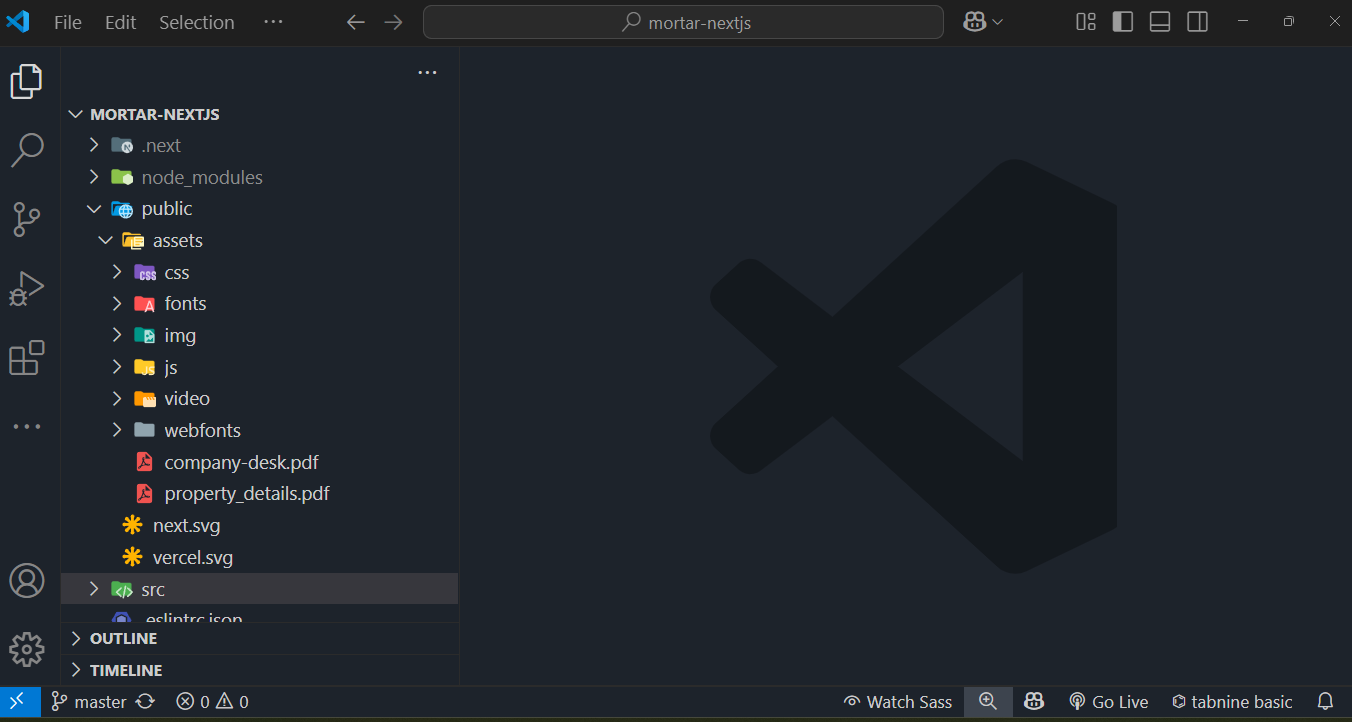
Folder Structure
Root Folder
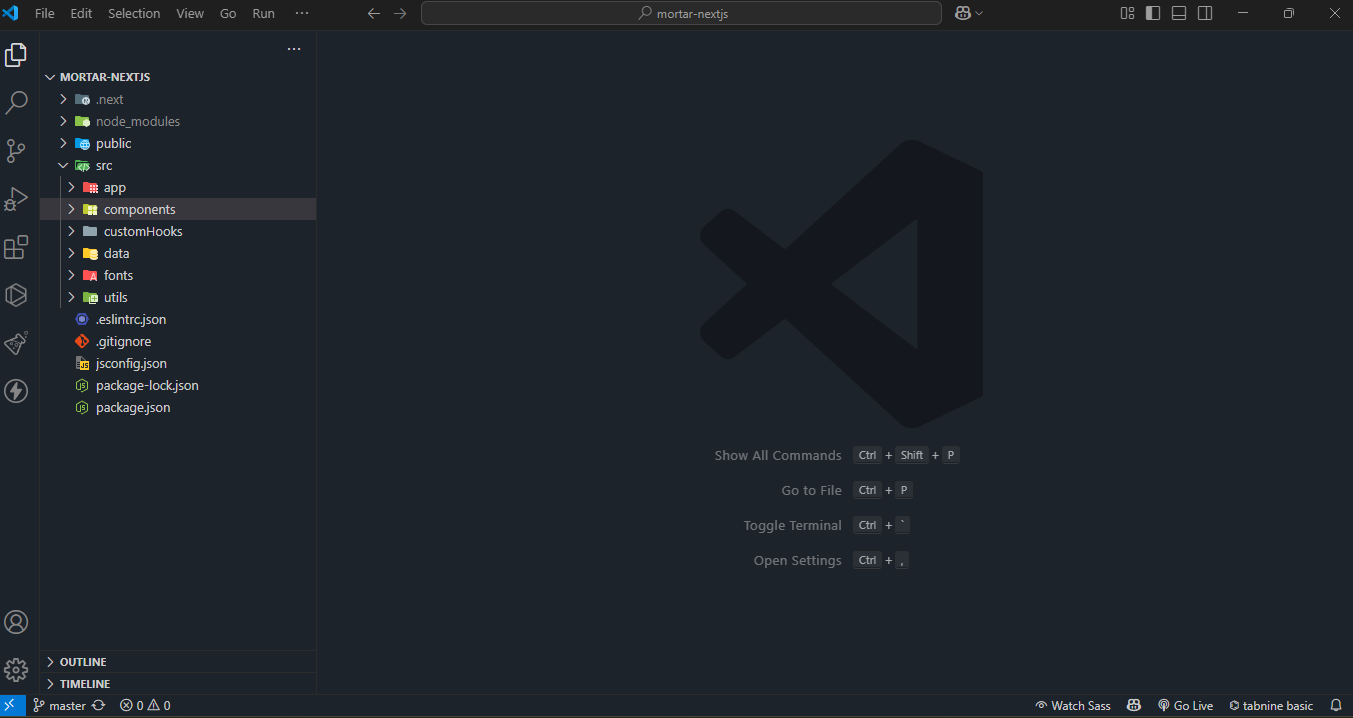
Assets Folder
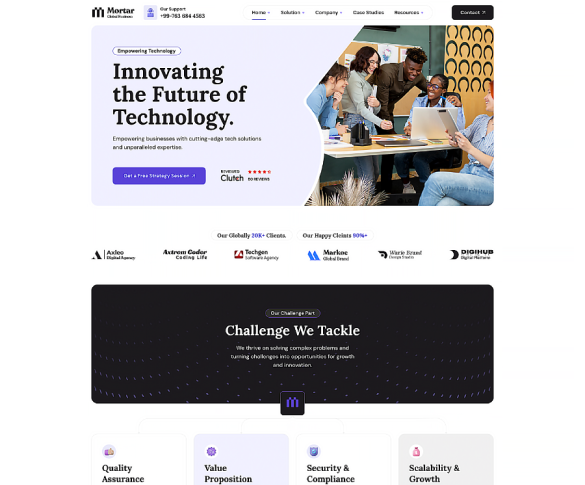
Home Page Demos
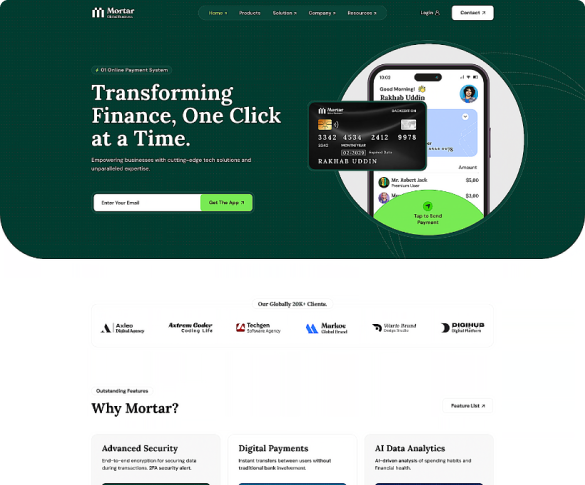
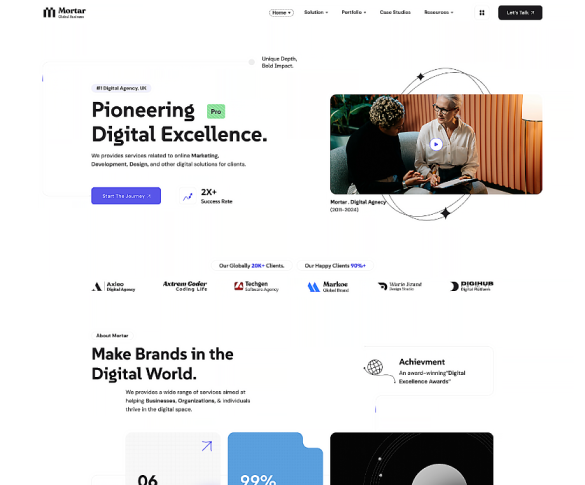
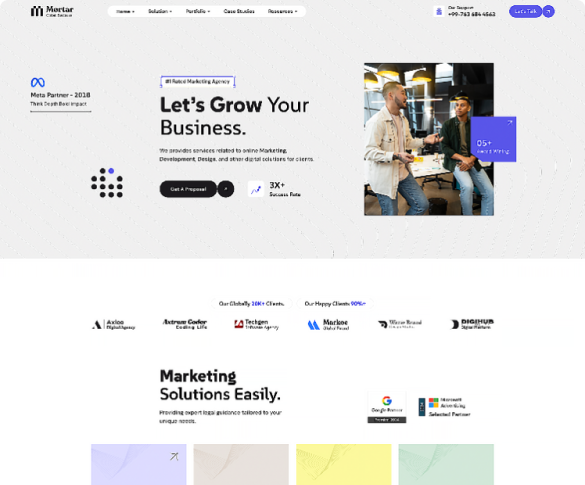
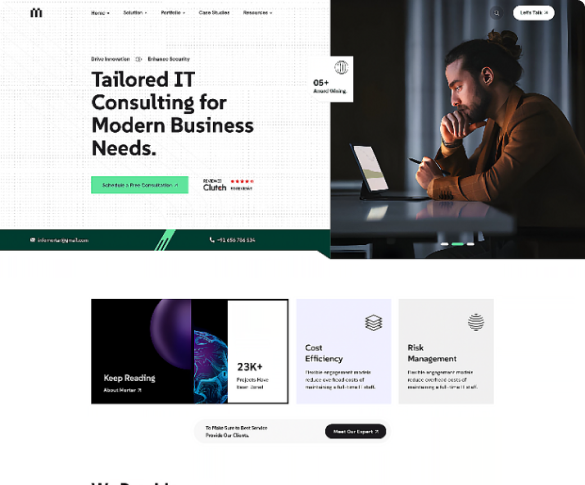
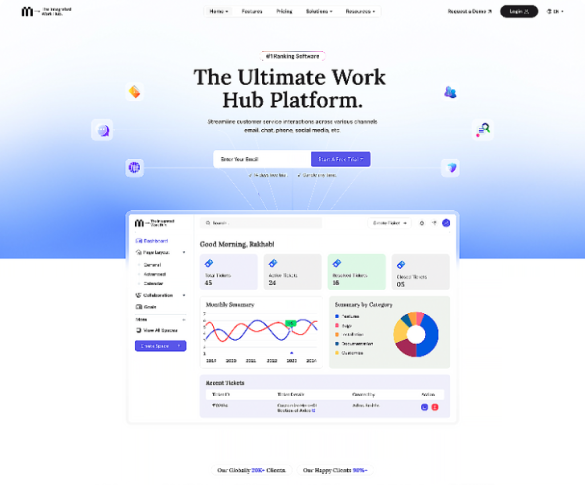
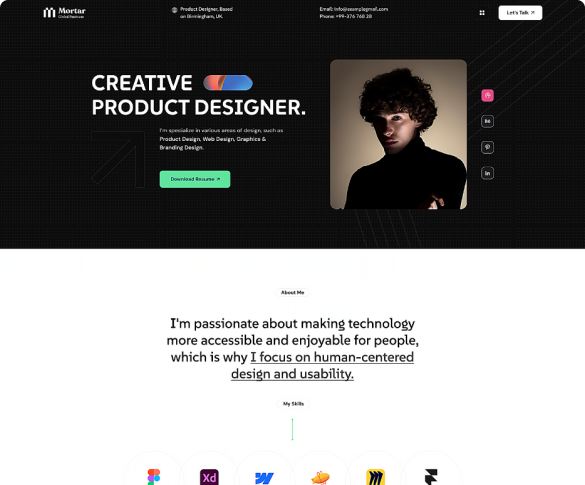
Header





Changing fonts
mortar uses 2 fonts: Prompt & Inter from the Google Fonts Library. You can change the fonts from /css/style.css file in below lines. If you want to use self hosted fonts other than Google fonts then here is an article of self hosted fonts to review. In this case you need to remove below lines and change font names in /css/style.css file as per your fonts used.
@import url('https://fonts.googleapis.com/css2?family=DM+Sans:ital,opsz,wght@0,9..40,100..1000;1,9..40,100..1000&family=Lora:ital,wght@0,400..700;1,400..700&family=SUSE:[email protected]&display=swap');
Plugin
Following list of package will be included:
- Swiper js
- Bootstrap5
- Bootstarp 5 icons
- Nice Select
- Gsap Js
- Counterup js
- react-apexcharts
- react-compare-slider
- react-confett
- react-confetti-explosion
- react-modal-video
- yet-another-react-lightbox
Version 1.0 - Current Version
Version 1.1
Comming Soon
Section Title
<div class="row justify-content-center">
                  <div class="col-md-8 col-xl-6">
                      <div class="section-title">
                          <h2>Featured Causes</h2>
                          <p>There are many variations of passages of Lorem Ipsum available, but the majority have suffered alteration in some form,</p>
                      </div>
                  </div>
                </div>
=
Three Equal columns
<div class="container">
                    <div class="row">
                      <div class="col">
                        Column
                      </div>
                      <div class="col">
                        Column
                      </div>
                      <div class="col">
                        Column
                      </div>
                    </div>
                  </div>
Source & Credits
Images:
- Unsplash - https://unsplash.com/
Icons:
- Icons Font Face - https://icons.getbootstrap.com
- Icons Font Face - https://boxicons.com/
Support
If this documentation doesn't answer your questions, So, Please send us Email via Item Support Page
We are located in GMT +5:30 time zone and we answer all questions within 12-24 hours in weekdays. In some rare cases the waiting time can be to 48 hours. (except holiday seasons which might take longer).
Don’t forget to Rate this template
Go to your Themeforest Profile > Downloads Tab > & then You can Rate & Review for our template.
Thank You.
More Templates
Checkout Our Below Premium Templates